Thermal Label Printer Technical Support Soabar provides technical support for thermal label printers, including common faults such as dirt build-up,...
The Barcode is Changing: Your Business To Do List for GS1 QR Codes
For half a century, the traditional linear barcode (such as the EAN-13) has done the job. It’s held a product identification number that a checkout till can read. But a revolution is currently unfolding on packaging across the UK. Do you know about it, and how to prepare?
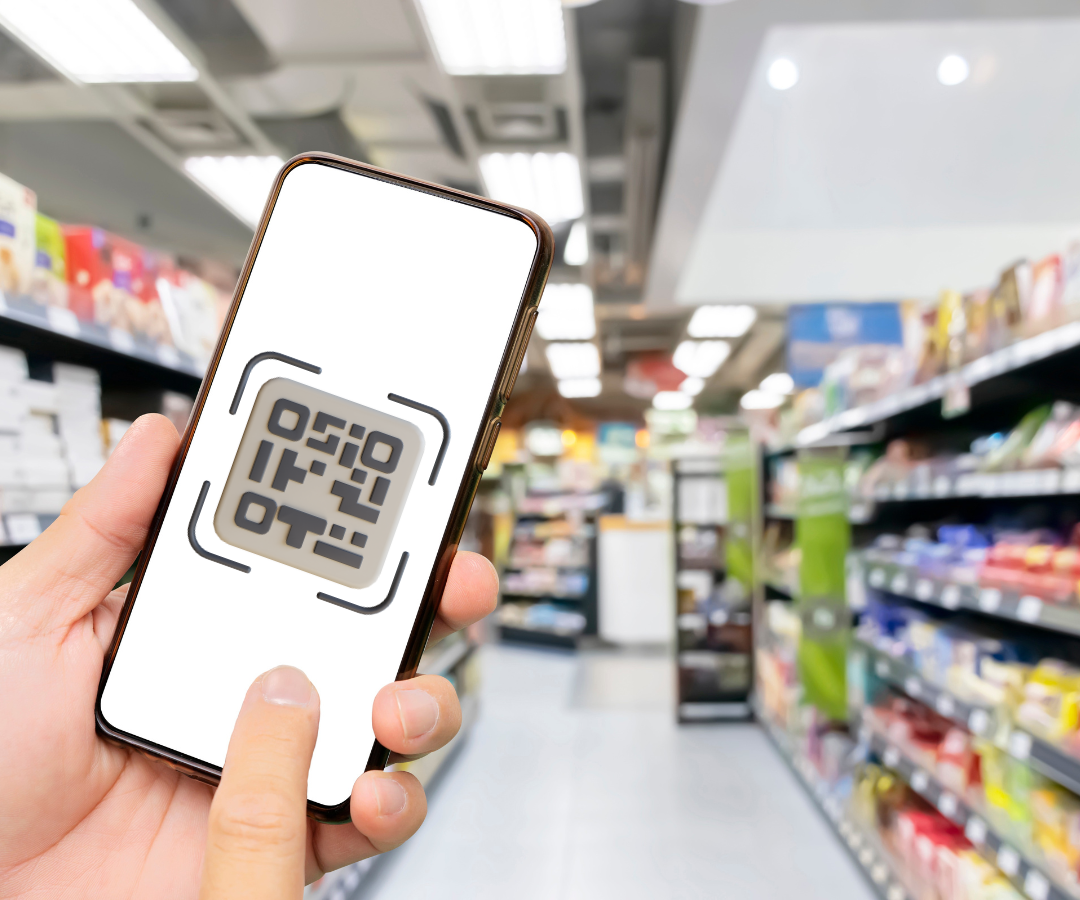
Dubbed "GS1 Sunrise 2027" this initiative marks the biggest shift in product identification since the barcode was invented. The industry is transitioning to 2D barcodes—specifically GS1 Digital Link QR codes and GS1 DataMatrix—which can be scanned by both retail POS tills and consumer smartphones.
Whether you operate in retail, food and beverage, chemicals, or in fact any other industry, this transition will fundamentally change your product compliance, label design and packaging strategies. Here is what you need to know now, to stay ahead.
Why is the Transition Happening?
The shift to 2D barcodes is driven by a demand for greater transparency, traceability, and efficiency. A single QR code powered by GS1 can serve multiple purposes:
- Consumer Transparency: Shoppers can scan the code to instantly access ingredients, allergens, nutrition details, provenance, and sustainability claims.
- Supply Chain Control: 2D codes allow manufacturers to encode batch numbers, lot details, and expiry dates directly into the barcode, which improves traceability and helps prevent food waste.
- Regulatory Compliance: Integrating data dynamically helps brands comply with evolving regulations, such as the UK's incoming pricing transparency rules and the upcoming Deposit Return Scheme (DRS).
- Future Space-Saving: Ultimately, replacing separate marketing QR codes and traditional barcodes with a single GS1 Digital Link will free up valuable on-pack real estate.
What Does This Mean for Traditional Barcodes and POS Systems?
One of the most common misconceptions is that traditional 1D barcodes (like the EAN-13) are being banned. They are not.
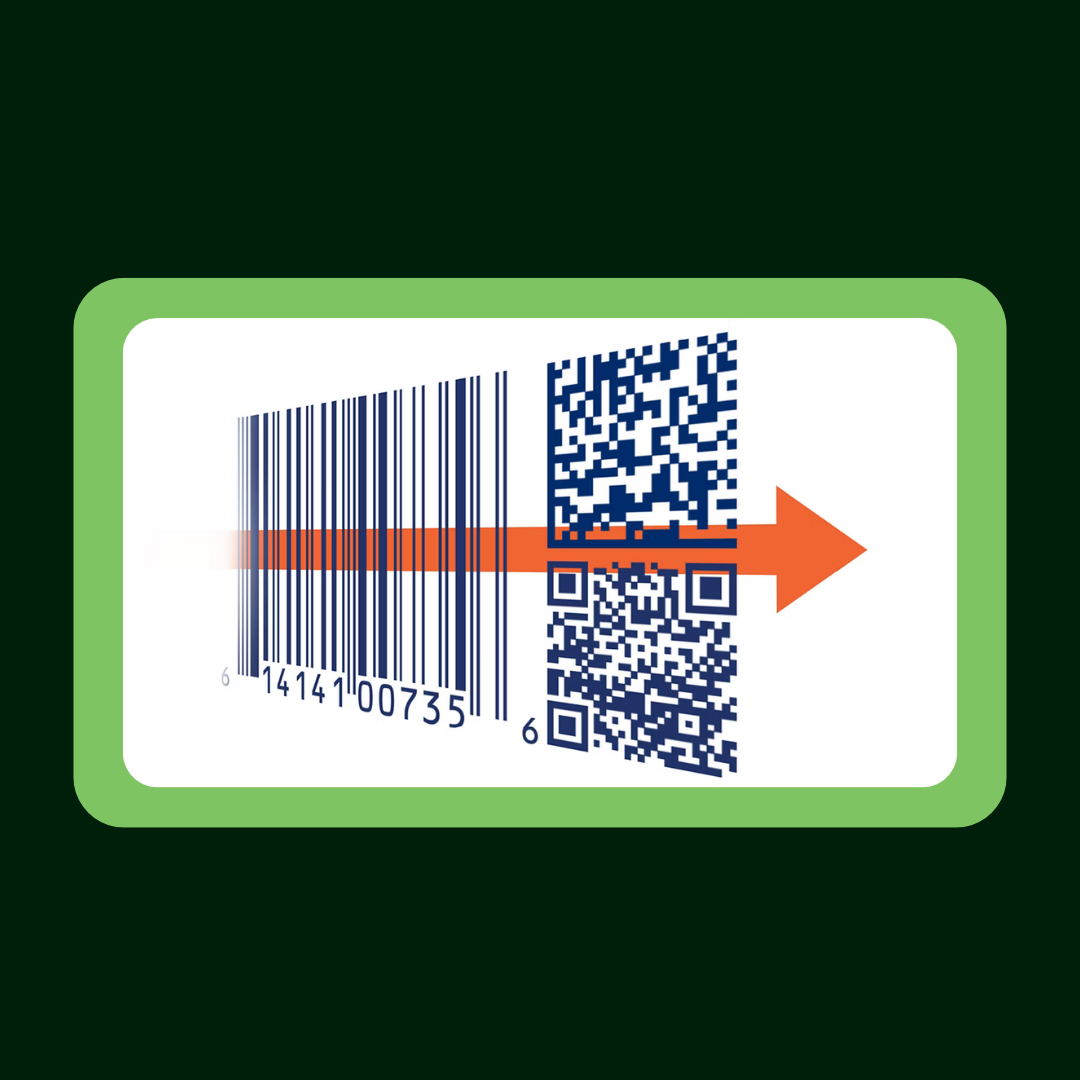
October 2027 is the target date for the retail industry to reach a critical amount of POS systems capable of scanning 2D barcodes at the checkout. During the current transition period, brands are adopting a "dual coding" approach, meaning both the traditional linear barcode and the new 2D code will be printed side-by-side on the label.
This ensures that while major retailers upgrade their checkout scanners to read 2D codes, your products will still scan perfectly in stores that rely on older technology.
The Timeline: What You Need to Do Now
October 2027 may sound distant, but the effective planning deadline is already here. Because of artwork freeze windows for products going to market in late 2026, you should be preparing their label redesigns right now. Here is what you should put into place today:
1.Audit Your Identifiers: Ensure every SKU has a properly registered GTIN (Global Trade Item Number) through your local GS1 member organisation.
2.Determine Your Data: Decide what dynamic information needs to be encoded into the QR code (such as batch, lot, or expiry data). Because this information sits inside the code, it must be determined before printing. If you’re unsure, consult official standards bodies and industry-specific regulatory guidelines. GS1-UK is the single most important resource, as it is driving this transition.
3.Run a Pilot: Pick a small group of high-priority SKUs and test dual coding on your next small production run.
4.Speak to Your Label Printer: If you haven't started conversations with your label supplier yet, you are at risk of rushed print runs and compliance errors down the line. Be proactive instead of reactive!
The Impact on Label Design
Integrating a new barcode is not as simple as dropping a QR code onto your existing artwork. There are strict technical specifications you must meet:
- Proximity Rules: GS1 guidelines dictate that the new 2D code must sit within 50mm of the centre of your existing 1D barcode to ensure both are in the scanner's field of view simultaneously.
- Sizing and Contrast: The QR module must be a minimum of 2x2 cm on small packs, feature a clear "quiet zone" of at least four modules on every side, and maintain high contrast (a dark code on a light background.
- The DRS Double-Challenge: The October 2027 deadline aligns with the launch of the UK's Deposit Return Scheme for drinks containers. This means many food and beverage labels will need to accommodate the new 2D code, the existing 1D code, the mandatory DRS logo, and a DRS machine-readable identifier all at once.
Partner With Soabar, Your Trusted Label Expert
Transitioning your entire product portfolio to meet GS1 Sunrise 2027 standards is a complex undertaking, but you don't have to navigate it alone.
As an experienced label printing partner supplying the retail, food and beverage, chemical, and pharmaceutical industries, amongst many more, we understand the distinct compliance challenges of your specific sector. From ensuring crisp print resolution for 2x2 cm QR codes to managing a seamless, single-artwork transition that covers both GS1 and DRS requirements, we are here to help you get it right the first time.
We’re also here to answer questions that you have relating to these transitions. We’re only a phone call or an email away.
Is your packaging ready for the future? Contact our team to audit your current label specifications and ensure your products remain compliant, scannable, and shelf-ready for 2027 and beyond.
Frequently Asked Questions - Printer Maintenance
01
What do the lines mean that are going through the print on my label?
If the line is in a diagonal direction, it is likely that the foil is creasing. Simply adjust the tension bar or clutch.
If the lines are vertical, then the printhead could either be dirty, or there could be dots or pixels on the printhead. If the latter is the case, you might need a new printhead. Contact us for us to diagnose the problem before ordering new parts.
Horizontal lines often indicate that the machine has stopped to make a cut. Usually, the machine will automatically try and blend this line out. Trying to alter the design of your label could help to solve the problem, however if there is a cut in the roller then it might need replacing. Contact our Technical Team if you think that this might be the case.
02
Nothing is printing onto my label but it’s going through the print process. What’s happening?
It’s likely that the ink foil is on the wrong way round, and it’s applying ink to the printhead instead of the label. Remove the ink foil, clean the printhead with some of our printhead wipes or isopropyl spray, and put the ink foil back on the other way around. The general rule of thumb when loading ink foil is dull side down, shiny side up!
03
I’ve got a warning notification on my printer. What should I do?
You will likely be seeing something along the lines of ‘No Gap Found / Media Error’, which could mean several things. The labels might be threaded up incorrectly, which will mean that they’re not going through the sensor. Take the roll of labels off and thread them up again, being sure to consult the diagram to make sure you’re doing this in the correct way for your machine. The sensor might not be in the correct position, so try adjusting it slightly to see whether it picks up on the labels coming through. Alternatively, the sensor might need re-calibrating. Either find the button on your machine that will do this for you or contact us for a little more assistance.
04
How do I clean the printhead on my label printer?
Take off the ink foil and get some of our printhead cleaning wipes, or some isopropyl spray and a cloth. Wipe the print area, removing any visible dirt or residue. Rethread the machine, reload the ink foil, and run a small job again to see whether print quality improves.
05
My printer isn’t communicating with my computer. What should I do?
The first thing to do is to check that the cable running between your computer and printer is connected properly, and in the correct port. Also ensure that the port on the computer is selected correctly (e.g. USB-C, USB), by navigating to your settings. You should also make sure that you’re trying to send a job to the correct printer, and not another that is synced with your computer.
Stay Informed with Soabar
TT50 TPU – Clear Clothing Labels
TT50 TPU Clear Clothing Labels: The Superior Choice for Garment Manufacturers What Are TT50 TPU Labels? TT50 TPU labels are...
Full Colour Washcare Labels
Full Colour Washcare Labels with the Washjet Printer Say goodbye to plain, standard care labels! With the Washjet Full Colour...