Trolley Identification Solution for Modern Distribution Centres The Challenge In today's fast-paced retail environment, efficient logistics management is critical for...
Hanger Labels for Retail: How to Print and Design
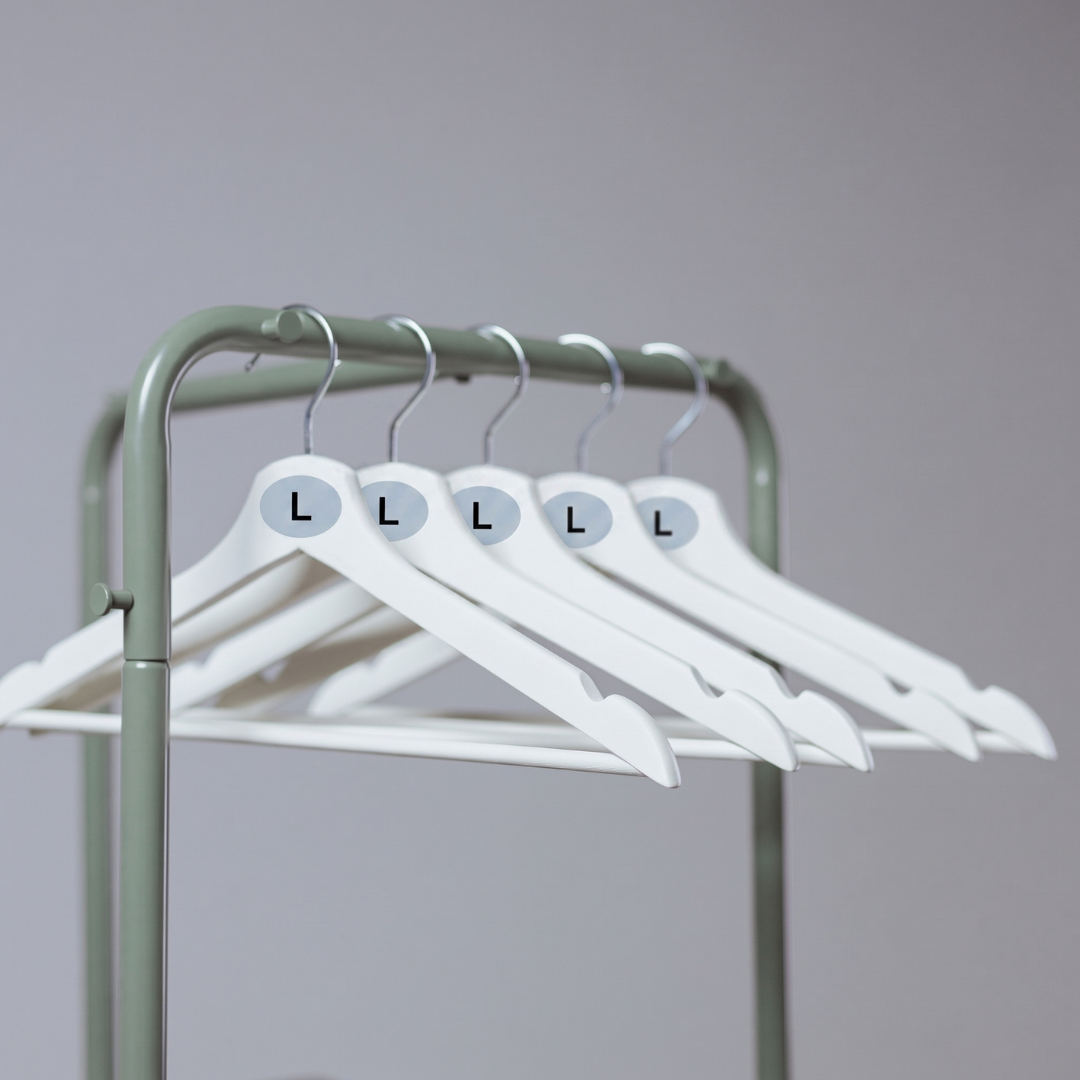
Hanger labels for retail- which are often referred to as hanger markers, crown labels, or sizers- are small components of the buying process that do a lot of the heavy lifting. They are the first tool a customer uses on the shop floor and a vital visual cue for your stockroom staff.
If a hanger label falls off in transit, tears during unboxing, or features an illegible font, it creates friction for both your team and your customers. Here's how to engineer the perfect coat hanger label for durability, clarity, and brand consistency, and how they can be printed by Soabar affordably, without compromising on quality.
Choosing the Right Materials for the Journey
Coat hanger labels face a surprisingly harsh lifecycle. They must survive warehouse picking, dense packing in distribution boxes, bumpy transit, and continuous handling by retail staff and shoppers. Standard paper labels will scuff, tear, or peel long before the garment reaches the shop floor..
To ensure your labels remain pristine and visible, choose a label supplier that can offer these durable materials:
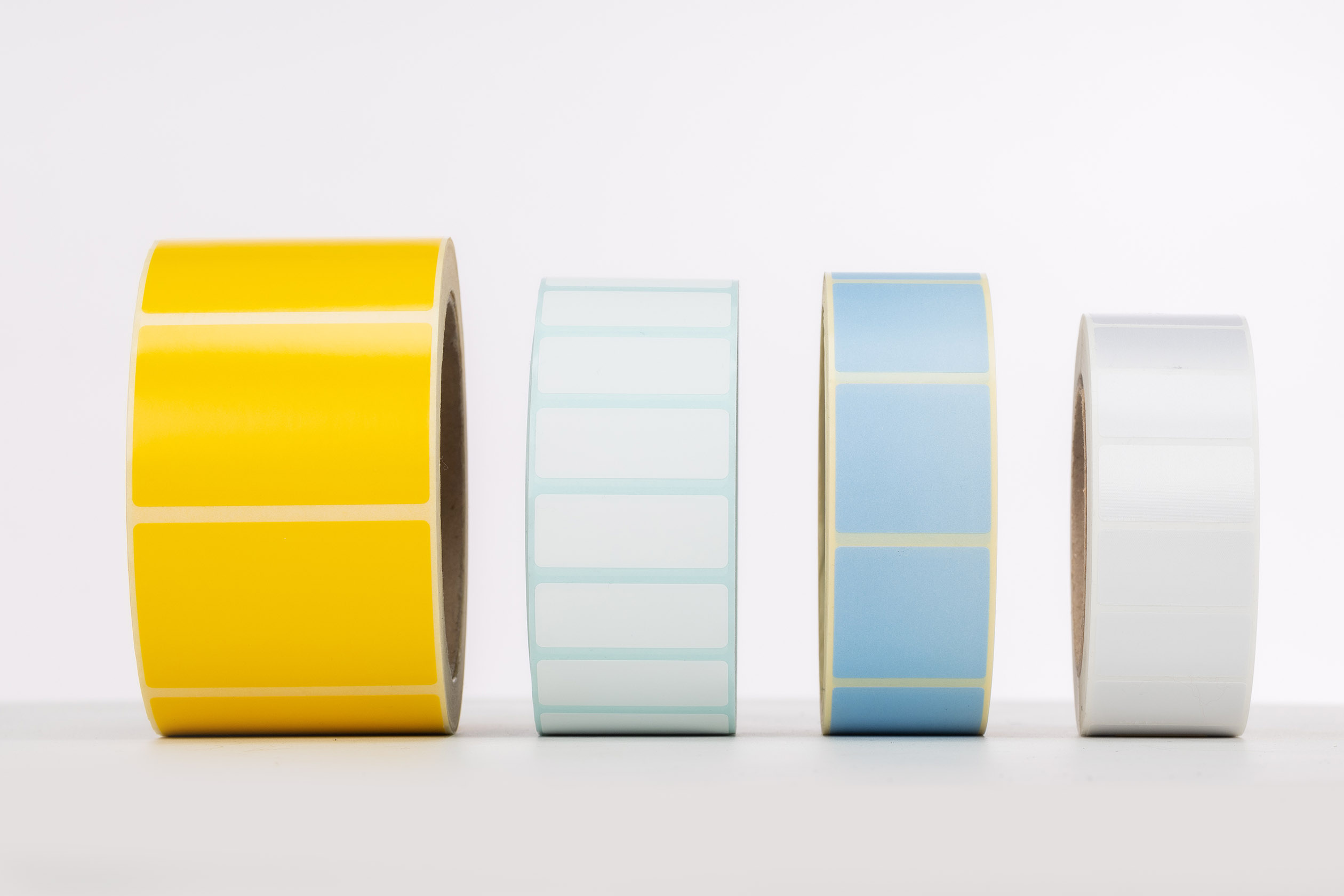
- Polypropylene (PP) or Polyethylene (PE): These synthetic materials are both the gold standard for adhesive hanger labels. They are tear-resistant, moisture-resistant, and flexible enough to wrap around the curved neck of a hanger without peeling at the edges.
- Laminated Heavyweight Cardstock: If you are printing non-adhesive slip-on markers (the kind that snap over the metal hook), a heavy cardstock finished with a matte or gloss laminate prevents tearing and resists the oils from human hands.
- High-Tack Adhesives: If you are using adhesive wrap-around labels, pair a synthetic face material with a high-tack, permanent adhesive. This ensures the label sticks securely to both plastic and wooden hangers, regardless of warehouse temperature fluctuations.
How Will The Labels Be Printed?
The optimum printing method depends entirely on your operational scale and how many size variations you need of each coat hanger label. However in most instances, we would recommend digital printing.
- Digital Printing: This is the champion for high-variation runs. Because digital printing requires no physical plates, it is incredibly cost-effective if you need 50 different variations (e.g., Mens, Womens, Childrens across lots of sizes and colour codes). It allows for crisp, vibrant colours and rapid turnaround times for short to medium volume runs.
- Flexographic (Flexo) Printing: The powerhouse for high-volume, static designs. If you come to us and need half a million identical "Medium" labels for a global rollout, flexo is the most economical choice. While setup costs are slightly higher due to the creation of printing plates, the cost per unit drops significantly at scale.
Design Tips: Font Size and Colour Coding
A label is useless if a customer can’t read it clearly. Hanger markers should be designed to that they can be read at an arm’s length, or slightly further away.
• Maximise Font Size: The item’s size should dominate the label. Aim to have the core size take up at least 60-70% of the printable canvas.
• Use High-Legibility Typography: Stick to bold, clean sans-serif fonts (like Helvetica, Arial, or Montserrat). Avoid thin weights, serif fonts, or condensed spacing, which can blur together when viewed from a distance.
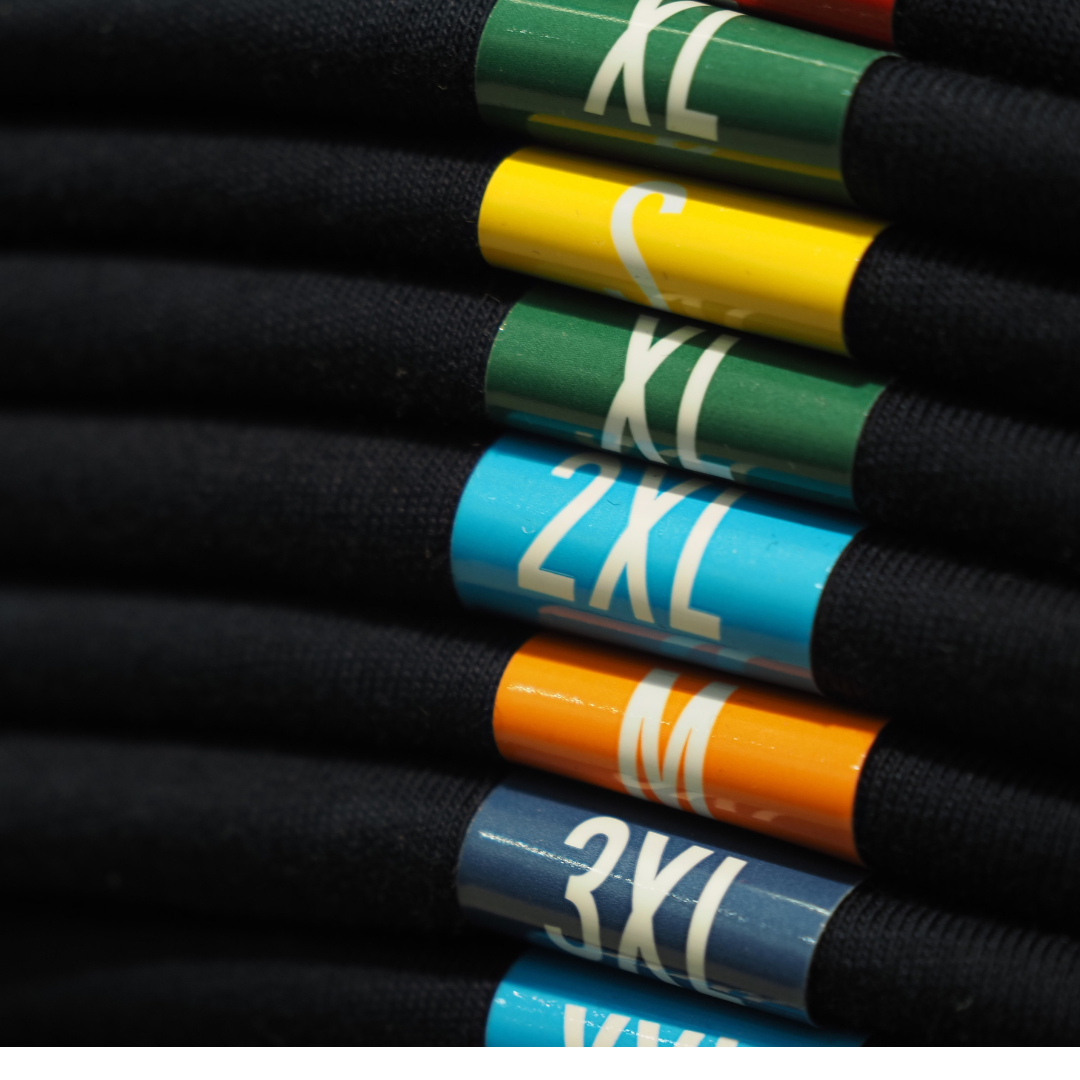
• Implement Strict Colour Coding: Colour coding is an industry secret for rapid visual sorting. Assigning specific colours to specific sizes (e.g., XS = Yellow, S = Red, M = Blue, L = Green) allows staff to restock racks perfectly in seconds and helps customers instantly spot their size in a densely packed rail. Keep your colour palette consistent across all garment lines.
International Sizing: One Label or Many?
When shipping garments globally, companies often face a common dilemma: should you print one label with all international sizes, or a bespoke label for every region?
The Multi-Region Approach (Recommended for space-permitting labels): If you are using a standard wrap-around neck label, printing multiple regional sizes (e.g., UK 10 / US 6 / EU 38) on one label is highly recommended.
- The Benefit: It simplifies your supply chain. You only need one SKU for the label, and garments can be dynamically rerouted to different countries without needing to be relabelled.
- The Execution: Use a typographic hierarchy. Make the primary market size (or universal Alpha size like "M") bold and central, and place the secondary market sizes in a slightly smaller, lighter weight beneath it.
Need a Reliable Supplier for your Retail Labels?
Whether you need millions of labels that display just one size, or a fully colour-coded digital run for a new clothing collection, Soabar can help you to manufacture labels that survive the supply chain and elevate your shop floor. We specialise in printing high quality, durable and affordable labels for companies up and down the country, as well as across the globe. You can be assured you're in safe hands when you choose us as your label supplier- we've been supplying labels for over 100 years!
Contact our team today to receive a personalised quote based on your label size and order quantity, or to discuss your bespoke requirements, material options, and pricing.
Frequently Asked Questions - Printer Maintenance
01
What do the lines mean that are going through the print on my label?
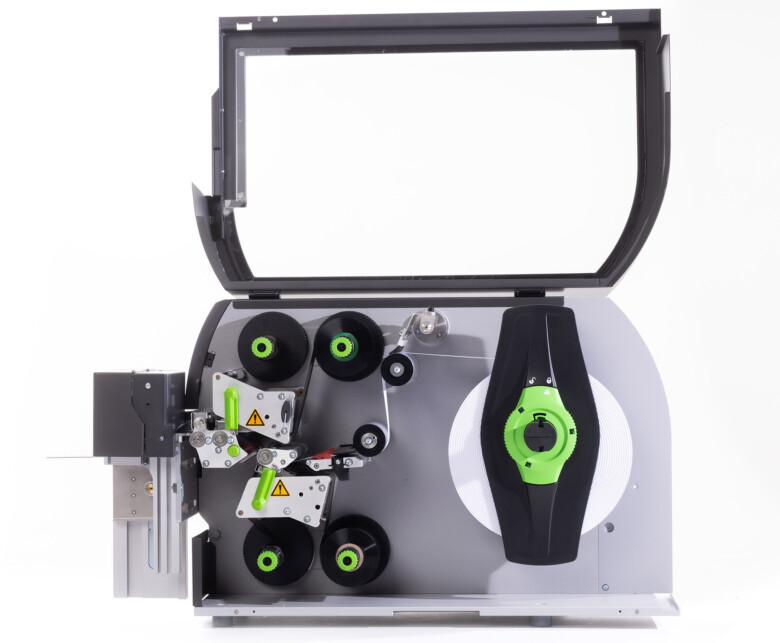
If the line is in a diagonal direction, it is likely that the foil is creasing. Simply adjust the tension bar or clutch.
If the lines are vertical, then the printhead could either be dirty, or there could be dots or pixels on the printhead. If the latter is the case, you might need a new printhead. Contact us for us to diagnose the problem before ordering new parts.
Horizontal lines often indicate that the machine has stopped to make a cut. Usually, the machine will automatically try and blend this line out. Trying to alter the design of your label could help to solve the problem, however if there is a cut in the roller then it might need replacing. Contact our Technical Team if you think that this might be the case.
02
Nothing is printing onto my label but it’s going through the print process. What’s happening?
It’s likely that the ink foil is on the wrong way round, and it’s applying ink to the printhead instead of the label. Remove the ink foil, clean the printhead with some of our printhead wipes or isopropyl spray, and put the ink foil back on the other way around. The general rule of thumb when loading ink foil is dull side down, shiny side up!
03
I’ve got a warning notification on my printer. What should I do?
You will likely be seeing something along the lines of ‘No Gap Found / Media Error’, which could mean several things. The labels might be threaded up incorrectly, which will mean that they’re not going through the sensor. Take the roll of labels off and thread them up again, being sure to consult the diagram to make sure you’re doing this in the correct way for your machine. The sensor might not be in the correct position, so try adjusting it slightly to see whether it picks up on the labels coming through. Alternatively, the sensor might need re-calibrating. Either find the button on your machine that will do this for you or contact us for a little more assistance.
04
How do I clean the printhead on my label printer?
Take off the ink foil and get some of our printhead cleaning wipes, or some isopropyl spray and a cloth. Wipe the print area, removing any visible dirt or residue. Rethread the machine, reload the ink foil, and run a small job again to see whether print quality improves.
05
My printer isn’t communicating with my computer. What should I do?
The first thing to do is to check that the cable running between your computer and printer is connected properly, and in the correct port. Also ensure that the port on the computer is selected correctly (e.g. USB-C, USB), by navigating to your settings. You should also make sure that you’re trying to send a job to the correct printer, and not another that is synced with your computer.
Stay Informed with Soabar
Return Address Labels: The Silent Heroes of Modern Retail Strategy
Return Address Labels: The Silent Heroes of Modern Retail Strategy The Changing Landscape of Customer Returns Imagine a world where...
Anti-Counterfeiting Labelling Strategies: Protecting Your Brand
The Economic Impact of Counterfeit Goods: Anti-Counterfeiting Labelling Strategies as a Solution? Counterfeiting is not just a minor inconvenience—it's a...