Enquire Now

How to Print Mattress, Carpet and Soft Furnishing Labels On-Demand

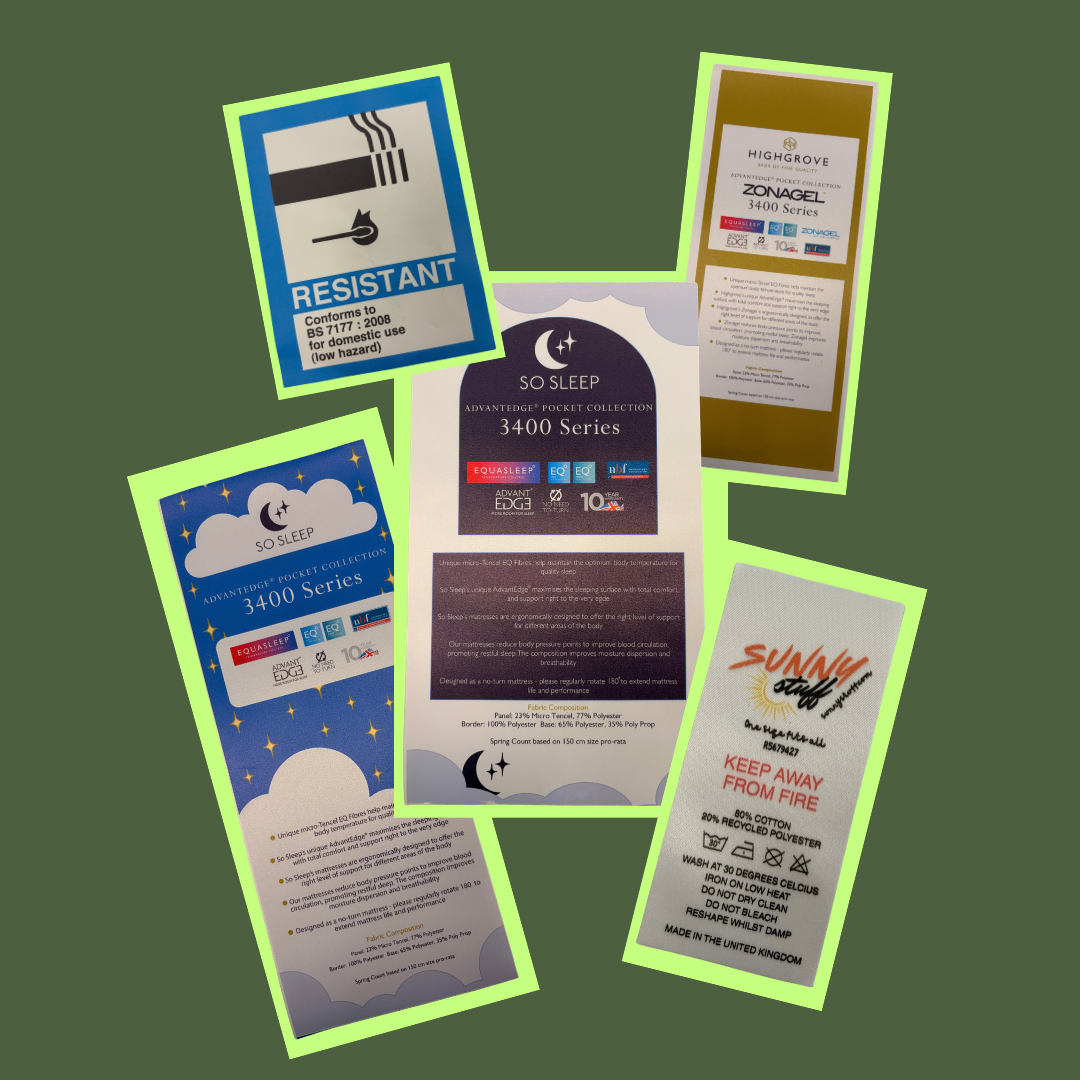
When it comes to soft furnishings—such as mattresses, carpets, cushions, and sofas—the label isn’t just a nice finishing touch. It is an essential component that carries essential regulatory information, care instructions, and your brand's identity. However, ordering labels in bulk often means long lead times, wasted inventory when designs change, and inflexible minimum order quantities.

What if you could print full-colour, highly durable labels on-demand, exactly when you need them?

As a verified Epson partner with over 100 years of experience in textile label printing, Soabar offers an all-in-one solution for your business. By combining our industry expertise with the revolutionary Epson ColorWorks series of printers, we help businesses globally to save time, money, and hassle on their label printing.

Epson printing
4

The Power of the Epson ColorWorks Series

The Epson ColorWorks series has transformed the way businesses approach label printing. Utilising state-of-the-art inkjet technology, these printers use incredibly durable pigment inks that won't rub off, fade, or smudge when your product is exposed to all aspects of daily life.

The main benefit of the ColorWorks system is its complete flexibility:

  • Print in Full-Colour: Add vibrant logos, colour-coded warning signs, and crisp text all in a single pass through the machine.
  • On-Demand Flexibility: Produce exact quantities when you need them at the touch of a button.
  • Seamless Updates: Need to change a design, update a barcode, or add a new regulatory symbol? Simply update your design and immediately send the PDF to the printer.

Comparing the Epson ColorWorks Range

Choosing the right printer depends heavily on the volume of your production and the size of the labels you need to print. Wider format printing is particularly ideal for mattress and carpet labels, which require larger fonts, extensive regulatory details, and prominent branding.

  1. Epson ColorWorks C4000e
  • Ideal for: Small to medium print runs and businesses with limited desk space.
  • Print Width: Up to 108 mm (4.25 inches).
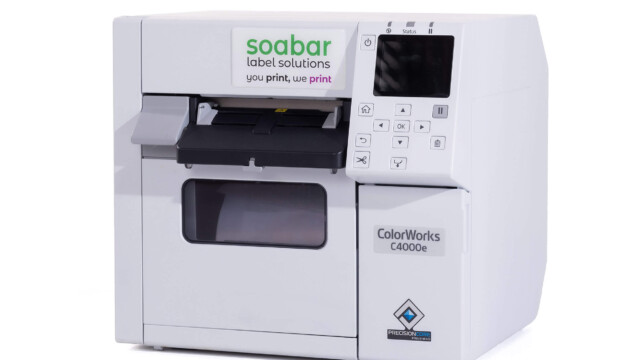
  • Benefits: This is a compact, highly intuitive desktop printer that delivers exceptional print quality and glossy or matte finishes without taking up valuable workspace. It's easy to connect to your PC or laptop, prints in all 4 colours and is the perfect machine for smaller businesses.


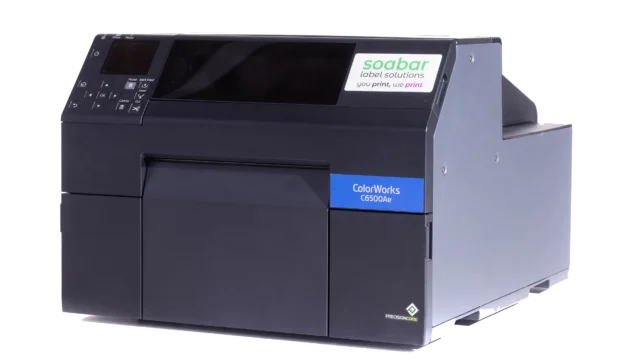
2. Epson ColorWorks C6500e

  • Ideal for: Wide-format printing, specifically for large mattress, rug, and carpet labels.
  • Print Width: Up to 212 mm (8.3 inches).
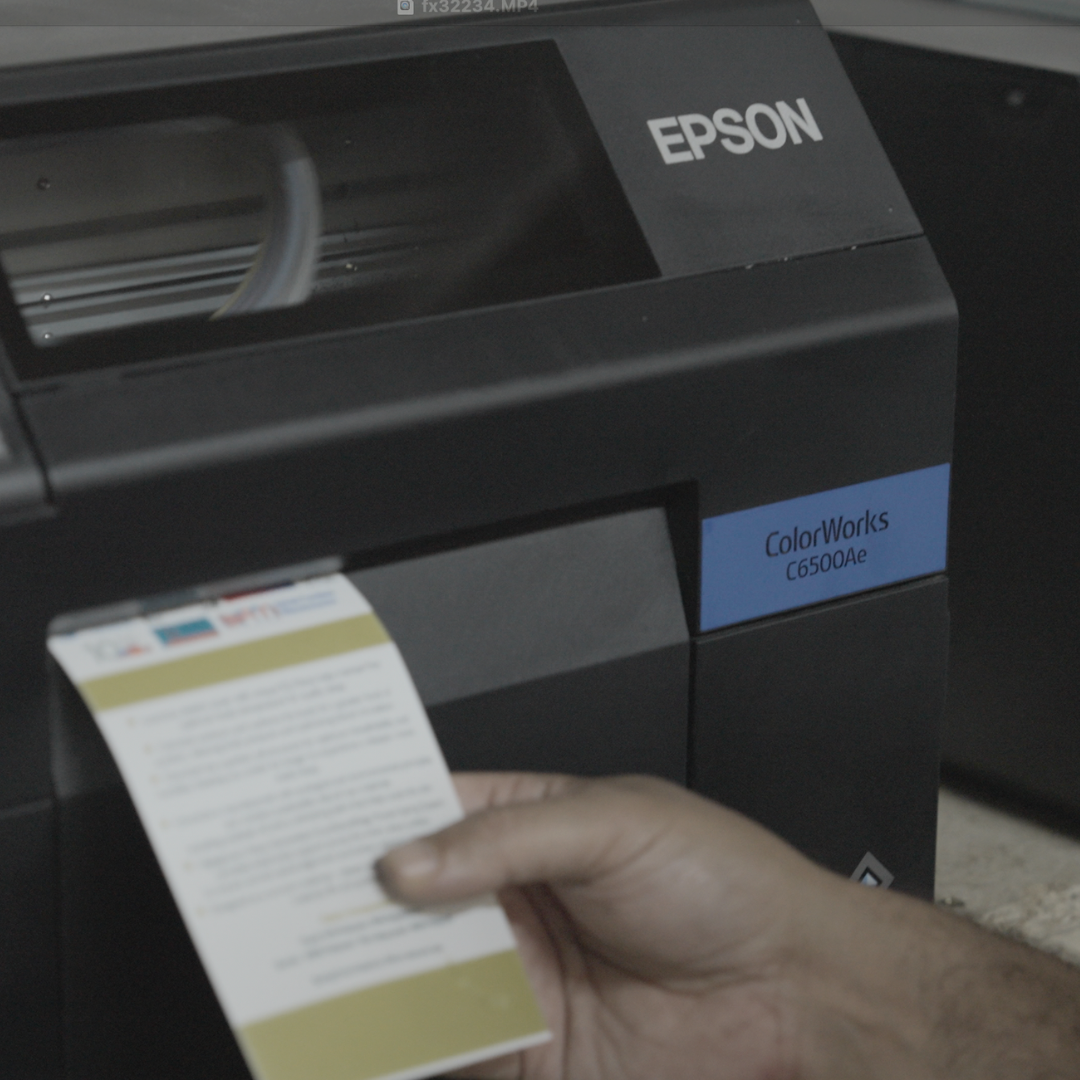
  • Benefits: Built for demanding environments, this model excels where large, highly visible labels are required. It brings the convenience of the ColorWorks range to a much wider format, eliminating the need to outsource large textile labels as companies had to do previously.


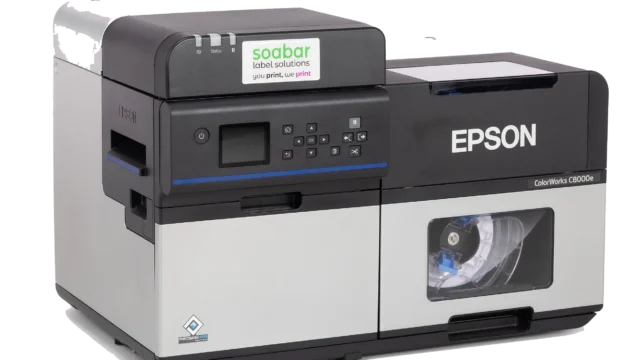
3. Epson ColorWorks C8000e

  • Ideal for: High-volume, industrial-scale label production.
  • Print Width: Up to 108 mm (4.25 inches).
  • Benefits: Extremely fast production capabilities (printing up to 300 mm/sec). The C8000e is a heavy-duty powerhouse designed for businesses that need to churn out thousands of labels a day without compromising on print resolution or colour fidelity.


Soabar Inkjet Receptive Textile Materials

To get the most out of your Epson printer, you need the right substrate. At Soabar, we supply a variety of specialist inkjet-receptive textile materials perfectly engineered to run through the Epson ColorWorks series:

Inkjet01: A high-quality polyester satin taffeta receptive to high-speed inkjet technology. When used with Epson's water-based pigmented inks, it provides excellent wash resistance. It is fire retardant and comes as a white, single-sided product. Perfect for washable soft furnishings like cushions and duvet covers.

Inkjet03: A polyester self-adhesive satin that can be stuck directly onto soft furnishings. Receptive to both dye and pigment inks in fast inkjet systems, it uses a high-tack, permanent synthetic rubber adhesive suitable for both polar and non-polar surfaces. Because it’s not suited for multiple washing cycles, it is the perfect "stick-on" solution for mattresses and carpets.

Inkjet04: A non-fray polyester satin receptive to high-speed inkjet technology like the ColorWorks range. It is single-sided and not intended for the wash process, making it an excellent sewn-in tag for carpets and mattresses where fraying needs to be avoided.

TT07: A premium nylon taffeta featuring a polyamide coating. This is a robust, double-sided product boasting excellent wash resistance up to 95°C. It is fire retardant and holds various compliance approvals including RoHS (EU) 2015/86, ISO 9001:2015, and REACH - SVHC. It is the gold standard for strict regulation labels, such as the mandatory fire-retardant labels found on mattresses and sofas.

On-Demand vs. Flexographic Printing: The Bottom Line

Traditionally, large-scale textile labels were produced using flexographic printing. While flexo has its place, it requires expensive printing plates, lengthy setup times, and large minimum order quantities. If a regulation changes or you rebrand, you’ew left with rolls of obsolete labels that will most likely have to go in the bin.

Printing your labels on-demand completely flips this model. With an Epson ColorWorks printer and Soabar materials, you only print what you need, exactly when you need it. There are no setup fees, no wasted stock, and complete freedom to update your designs instantly. You save money, free up warehouse space, and significantly cut down on operational hassle.

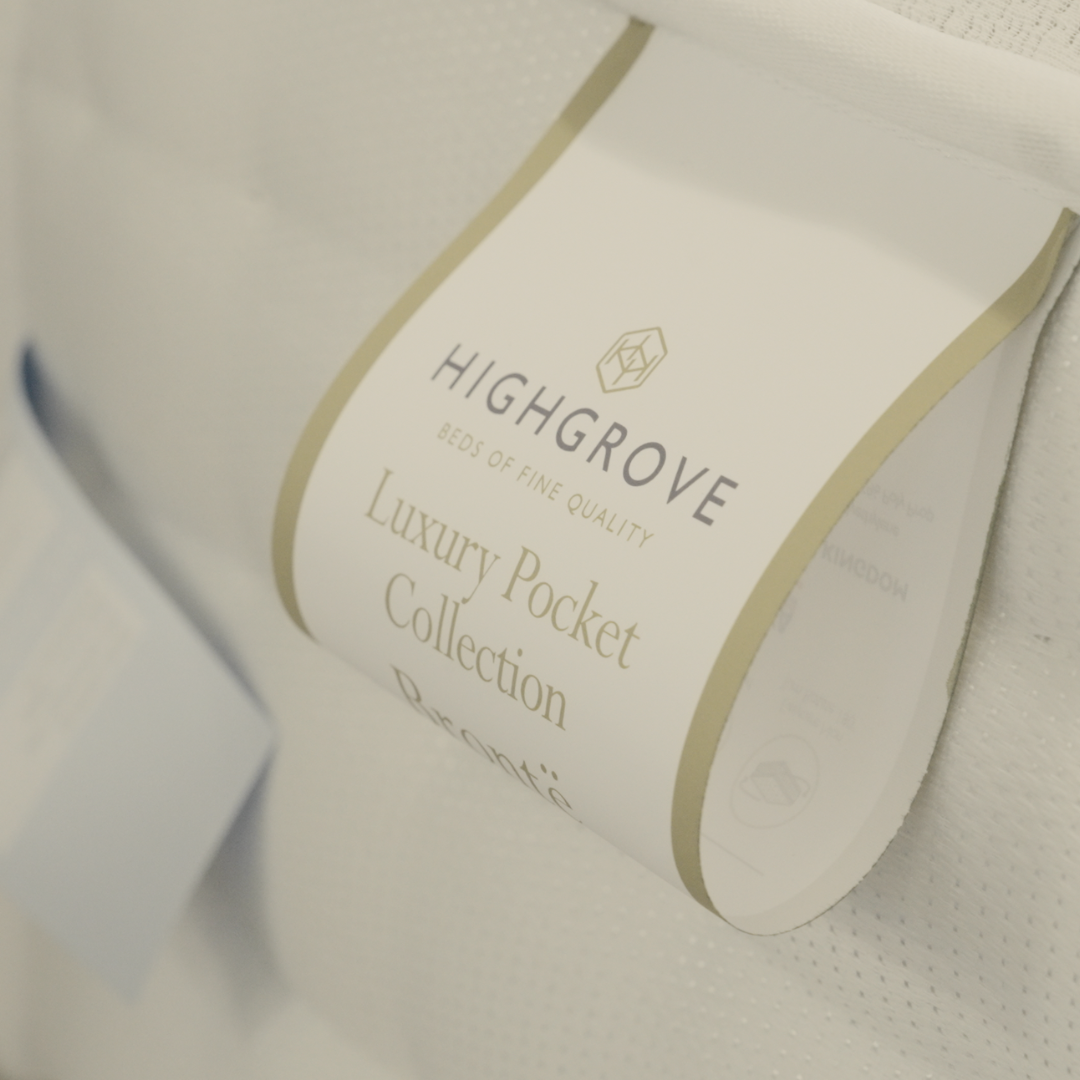
Mattress label printed

Ready to bring your label printing in-house?

With over 100 years of experience in textile label printing, Soabar is your trusted partner. When you work with us, you are guaranteed the highest level of service, technical support, and industry knowledge.

Get in touch with us today to request your free sample pack of textile labels printed using the printers in the Epson ColorWorks range. We’ll help you navigate the process of deciding whether bringing label production in-house is right for your business, and the best materials to use for your products.

Frequently Asked Questions - Printer Maintenance

01

What do the lines mean that are going through the print on my label?

If the line is in a diagonal direction, it is likely that the foil is creasing. Simply adjust the tension bar or clutch.

If the lines are vertical, then the printhead could either be dirty, or there could be dots or pixels on the printhead. If the latter is the case, you might need a new printhead. Contact us for us to diagnose the problem before ordering new parts.

Horizontal lines often indicate that the machine has stopped to make a cut. Usually, the machine will automatically try and blend this line out. Trying to alter the design of your label could help to solve the problem, however if there is a cut in the roller then it might need replacing. Contact our Technical Team if you think that this might be the case.

02

Nothing is printing onto my label but it’s going through the print process. What’s happening?

It’s likely that the ink foil is on the wrong way round, and it’s applying ink to the printhead instead of the label. Remove the ink foil, clean the printhead with some of our printhead wipes or isopropyl spray, and put the ink foil back on the other way around. The general rule of thumb when loading ink foil is dull side down, shiny side up!

03

I’ve got a warning notification on my printer. What should I do?

You will likely be seeing something along the lines of ‘No Gap Found / Media Error’, which could mean several things. The labels might be threaded up incorrectly, which will mean that they’re not going through the sensor. Take the roll of labels off and thread them up again, being sure to consult the diagram to make sure you’re doing this in the correct way for your machine. The sensor might not be in the correct position, so try adjusting it slightly to see whether it picks up on the labels coming through. Alternatively, the sensor might need re-calibrating. Either find the button on your machine that will do this for you or contact us for a little more assistance.

04

How do I clean the printhead on my label printer?

Take off the ink foil and get some of our printhead cleaning wipes, or some isopropyl spray and a cloth. Wipe the print area, removing any visible dirt or residue. Rethread the machine, reload the ink foil, and run a small job again to see whether print quality improves.

05

My printer isn’t communicating with my computer. What should I do?

The first thing to do is to check that the cable running between your computer and printer is connected properly, and in the correct port. Also ensure that the port on the computer is selected correctly (e.g. USB-C, USB), by navigating to your settings. You should also make sure that you’re trying to send a job to the correct printer, and not another that is synced with your computer.

Stay Informed with Soabar

Proof Scope
ProofScope – How To Use

We’re excited to share that we're now using ProofScope, an online platform designed to make artwork proofing faster, clearer, and...