How To Print Your Own Labels. In today’s competitive business environment, printing your own labels can make a
We're Hiring! Overprinting Operator
Job Title: Overprinting Operator
Location: Soabar Ltd
Job Type: Preferably Full-time, Permanent, However Flexible Working & Part-time (4 days a week) is possible.
Salary: Dependent on Experience
At Soabar, we manufacture high-quality label and label printing machines for a wide range of industries.
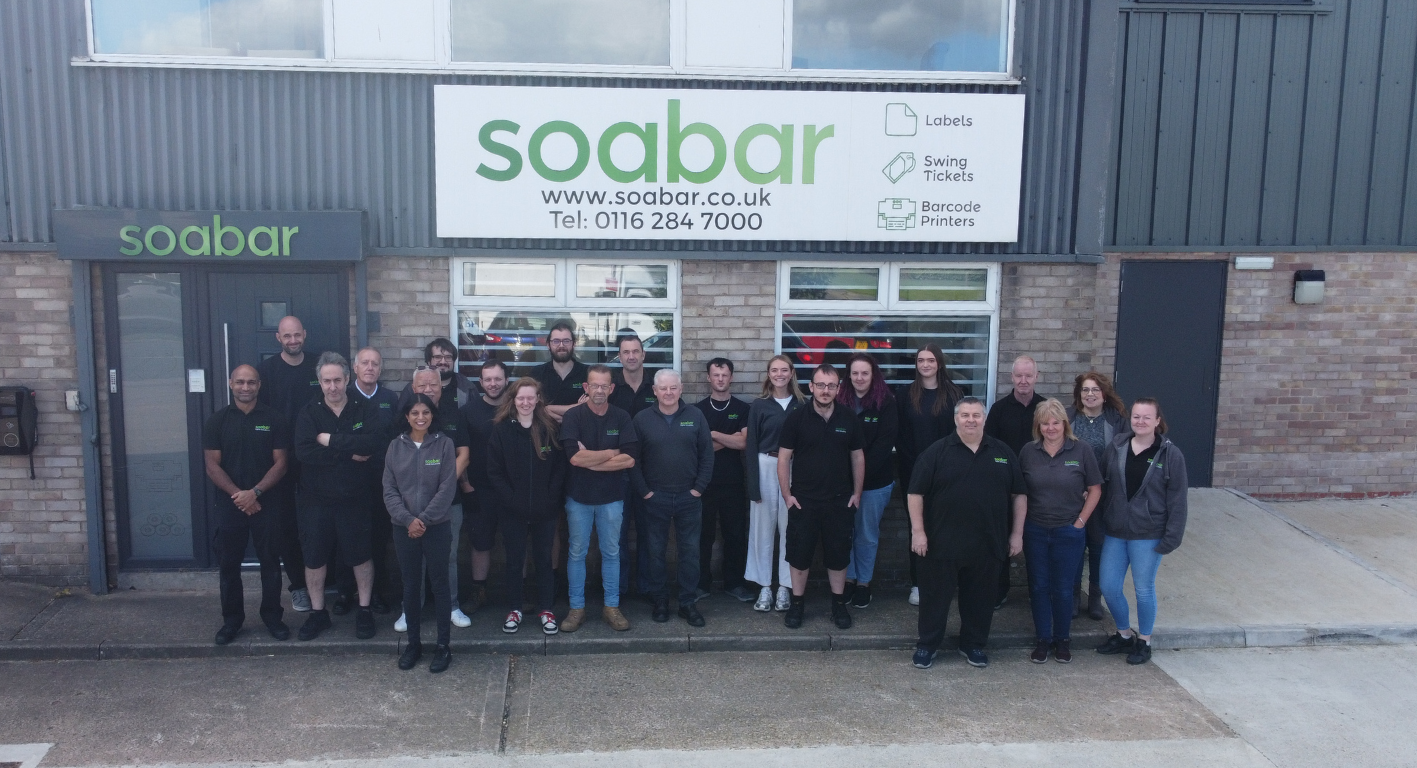
We pride ourselves on quality, attention to detail, and delivering products that exceed our customers' expectations. We've been operating from our Whetstone site for over 50 years, but we've been producing labels for companies all over the world for 110+ years.
We're looking for a reliable and detail-oriented Overprinting Operator to join our production team. This role is primarily responsible for overprinting labels using our thermal printing systems, ensuring all printed information is accurate, clear, and production-ready.
The Role
The successful candidate will be responsible for preparing, printing, inspecting, and organising labels for production. Accuracy and attention to detail are essential, as the printed labels form a critical part of our manufacturing process.
Key Responsibilities
- Operate thermal overprinting equipment to print batch numbers, expiry dates, barcodes and other variable information onto product labels.
- Set up print jobs according to production schedules and specifications.
- Check printed labels for accuracy, print quality and legibility.
- Ensure the correct artwork and label versions are used for each production batch.
- Maintain accurate production and print records.
- Replace ribbons, labels and consumables as required.
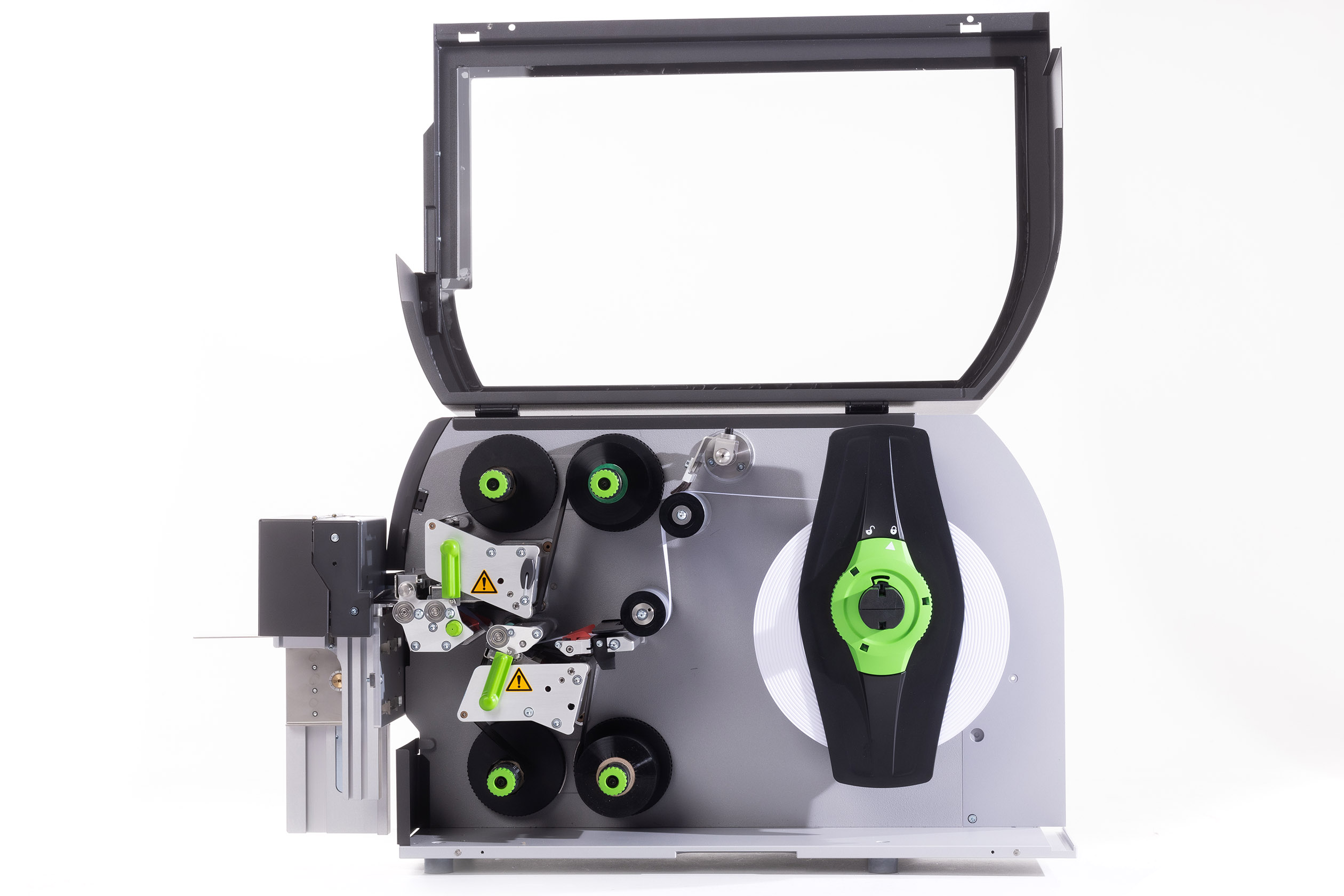
- Carry out routine cleaning and basic maintenance of thermal printers.
- Identify and report printer faults or quality issues promptly.
- Work closely with Production, Technical, Quality and Warehouse teams to ensure labels are available when required.
- Assist with other production and warehouse tasks during quieter periods when required.
Who We're Looking For
Essential Criteria
- Excellent attention to detail
- Good organisational skills and the ability to prioritise workload.
- Comfortable using computers and production software, however full training on our specific systems will be provided.
- Ability to follow written procedures and work instructions.
- Good communication skills. You will be working closely with a small team of people, as well as with our other team members across the business.
- Reliable, punctual and able to work independently.
Desirable Criteria
- Experience working in a manufacturing business, specifically the printing industry.
- Knowledge of desktop printers and how they operate.
- An understanding of supply chain processes and how SMEs operate
Personal Qualities
We're looking for someone who:
- Takes pride in producing accurate, high-quality work.
- Has a methodical and organised approach.
- Learns new systems quickly.
- Works well both independently and as part of a team.
- Is flexible and willing to support the wider production team when needed.
What We Offer
- Full training on our printing equipment and processes.
- A friendly and supportive working environment.
- Opportunities to develop within the business.
- Holiday entitlement in line with company policy (over and above statutory minimum)
If you enjoy working with precision, have a keen eye for detail, and want to be part of a local, growing manufacturing business, then we'd love to hear from you.
Please send your CV and short Cover Letter (no more than 250 words) to recruitment@soabar.co.uk
Frequently Asked Questions - Printer Maintenance
01
What do the lines mean that are going through the print on my label?
If the line is in a diagonal direction, it is likely that the foil is creasing. Simply adjust the tension bar or clutch.
If the lines are vertical, then the printhead could either be dirty, or there could be dots or pixels on the printhead. If the latter is the case, you might need a new printhead. Contact us for us to diagnose the problem before ordering new parts.
Horizontal lines often indicate that the machine has stopped to make a cut. Usually, the machine will automatically try and blend this line out. Trying to alter the design of your label could help to solve the problem, however if there is a cut in the roller then it might need replacing. Contact our Technical Team if you think that this might be the case.
02
Nothing is printing onto my label but it’s going through the print process. What’s happening?
It’s likely that the ink foil is on the wrong way round, and it’s applying ink to the printhead instead of the label. Remove the ink foil, clean the printhead with some of our printhead wipes or isopropyl spray, and put the ink foil back on the other way around. The general rule of thumb when loading ink foil is dull side down, shiny side up!
03
I’ve got a warning notification on my printer. What should I do?
You will likely be seeing something along the lines of ‘No Gap Found / Media Error’, which could mean several things. The labels might be threaded up incorrectly, which will mean that they’re not going through the sensor. Take the roll of labels off and thread them up again, being sure to consult the diagram to make sure you’re doing this in the correct way for your machine. The sensor might not be in the correct position, so try adjusting it slightly to see whether it picks up on the labels coming through. Alternatively, the sensor might need re-calibrating. Either find the button on your machine that will do this for you or contact us for a little more assistance.
04
How do I clean the printhead on my label printer?
Take off the ink foil and get some of our printhead cleaning wipes, or some isopropyl spray and a cloth. Wipe the print area, removing any visible dirt or residue. Rethread the machine, reload the ink foil, and run a small job again to see whether print quality improves.
05
My printer isn’t communicating with my computer. What should I do?
The first thing to do is to check that the cable running between your computer and printer is connected properly, and in the correct port. Also ensure that the port on the computer is selected correctly (e.g. USB-C, USB), by navigating to your settings. You should also make sure that you’re trying to send a job to the correct printer, and not another that is synced with your computer.
Stay Informed with Soabar
Soabar Supports: Leaways School Coffee Labels
Soabar Supports: Leaways School Coffee Labels One of the things that we absolutely love about working in the print industry...
Soabar achieves FSC® ‘Chain of Custody’ Certification
Soabar achieves FSC® ‘Chain of Custody’ Certification We are delighted to announce that we recently gained our FSC® (Forest...