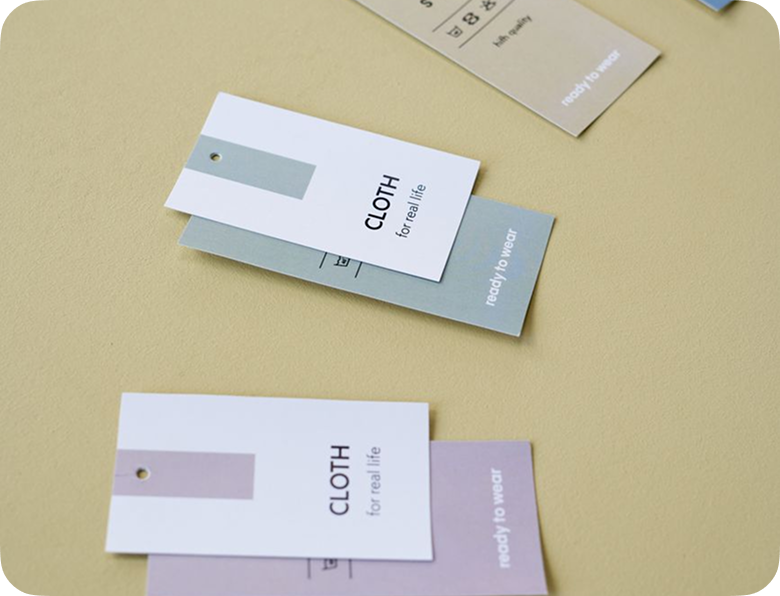
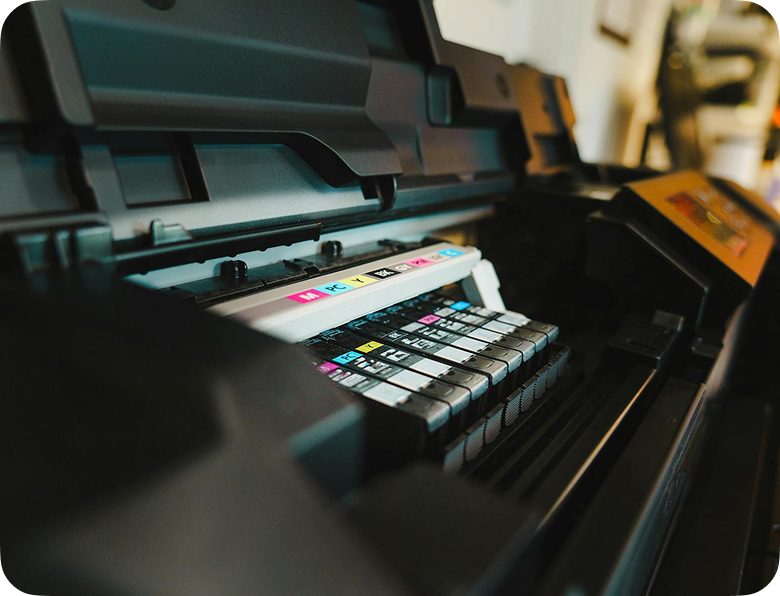
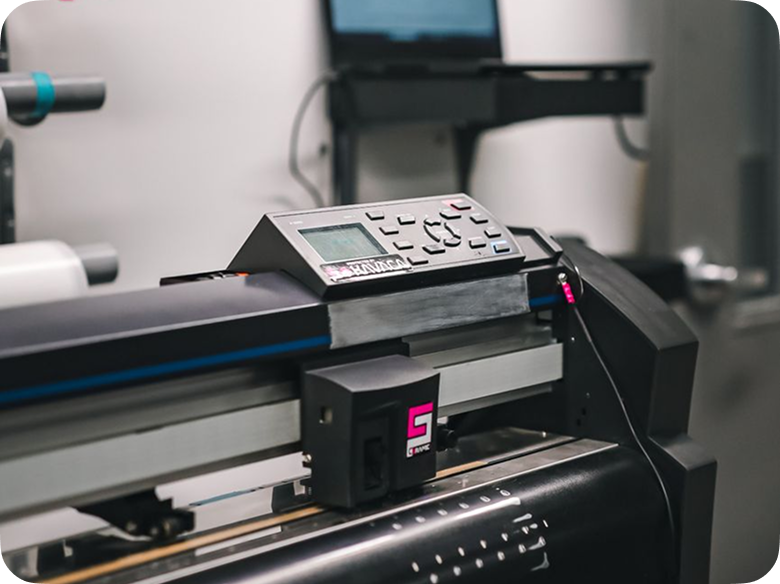
Digital Label Printing from our Konica Minolta C71cF Digital Label Press In November 2016, Soabar entered into a strategic business...
The Future of Smart Labelling in Modern Supply Chains
Supply chains are becoming increasingly complex, with businesses expected to deliver greater accuracy, transparency, and efficiency than ever before. As customer expectations rise and regulatory requirements evolve, traditional labelling methods are no longer enough to meet the demands of modern operations.
Smart labelling is emerging as a powerful solution, transforming simple product labels into intelligent tools that improve traceability, inventory management, customer engagement, and operational visibility across the entire supply chain.
What Is Smart Labelling?
Smart labelling refers to labels that incorporate digital technologies to store, communicate, or track information beyond what can be displayed in printed text or barcodes.
These technologies may include:
- QR Codes
- RFID (Radio Frequency Identification)
- NFC (Near Field Communication)
- Digital Product Passports
- Cloud-Based Tracking Systems
- Real-Time Data Integration
Unlike traditional labels, smart labels enable products to carry dynamic information that can be accessed, updated, and monitored throughout their journey.
The Rise of RFID Technology
RFID is rapidly becoming one of the most influential smart labelling technologies. Unlike traditional barcodes, RFID tags do not require direct line-of-sight scanning.
Faster Processing
Hundreds of products can be scanned simultaneously, reducing handling times and improving productivity.
Better Stock Management
Businesses gain more accurate inventory data without the need for extensive manual checks.
Improved Asset Tracking
High-value equipment, tools, and products can be monitored throughout their lifecycle. As implementation costs continue to decrease, RFID adoption is expected to accelerate across multiple industries.
Looking Ahead
The future of supply chain management will be driven by connectivity, automation, and data-driven decision-making. Smart labelling technologies are at the centre of this transformation, enabling businesses to improve efficiency, strengthen compliance, and deliver better customer experiences.
Organisations that embrace smart labelling today will be better positioned to adapt to future market demands, regulatory changes, and technological advancements.
Conclusion
Smart labelling is no longer simply an innovation it is rapidly becoming a strategic necessity for modern supply chains.
From RFID and QR codes to Digital Product Passports and real-time tracking systems, smart labels provide the visibility, accuracy, and intelligence businesses need to operate more effectively in an increasingly connected world.
As supply chains continue to evolve, organisations that invest in smart labelling solutions will gain a competitive advantage through improved efficiency, enhanced traceability, and greater operational resilience.
Frequently Asked Questions - Printer Maintenance
01
What do the lines mean that are going through the print on my label?
If the line is in a diagonal direction, it is likely that the foil is creasing. Simply adjust the tension bar or clutch.
If the lines are vertical, then the printhead could either be dirty, or there could be dots or pixels on the printhead. If the latter is the case, you might need a new printhead. Contact us for us to diagnose the problem before ordering new parts.
Horizontal lines often indicate that the machine has stopped to make a cut. Usually, the machine will automatically try and blend this line out. Trying to alter the design of your label could help to solve the problem, however if there is a cut in the roller then it might need replacing. Contact our Technical Team if you think that this might be the case.
02
Nothing is printing onto my label but it’s going through the print process. What’s happening?
It’s likely that the ink foil is on the wrong way round, and it’s applying ink to the printhead instead of the label. Remove the ink foil, clean the printhead with some of our printhead wipes or isopropyl spray, and put the ink foil back on the other way around. The general rule of thumb when loading ink foil is dull side down, shiny side up!
03
I’ve got a warning notification on my printer. What should I do?
You will likely be seeing something along the lines of ‘No Gap Found / Media Error’, which could mean several things. The labels might be threaded up incorrectly, which will mean that they’re not going through the sensor. Take the roll of labels off and thread them up again, being sure to consult the diagram to make sure you’re doing this in the correct way for your machine. The sensor might not be in the correct position, so try adjusting it slightly to see whether it picks up on the labels coming through. Alternatively, the sensor might need re-calibrating. Either find the button on your machine that will do this for you or contact us for a little more assistance.
04
How do I clean the printhead on my label printer?
Take off the ink foil and get some of our printhead cleaning wipes, or some isopropyl spray and a cloth. Wipe the print area, removing any visible dirt or residue. Rethread the machine, reload the ink foil, and run a small job again to see whether print quality improves.
05
My printer isn’t communicating with my computer. What should I do?
The first thing to do is to check that the cable running between your computer and printer is connected properly, and in the correct port. Also ensure that the port on the computer is selected correctly (e.g. USB-C, USB), by navigating to your settings. You should also make sure that you’re trying to send a job to the correct printer, and not another that is synced with your computer.
Stay Informed with Soabar
Soabar and the National Citizen Service (NCS)
Soabar and the National Citizen Service (NCS) Recently, Soabar has become a proud supporter of the National Citizen Service (NCS)...
Soabar Interviews… Jon Nichols, Sales
Soabar Interviews… Jon Nichols, Sales Welcome back to our series of blog posts that aim to ensure that you get...